Vegas Queens GCash Deposit and Withdrawal: Step-by-Step Guide
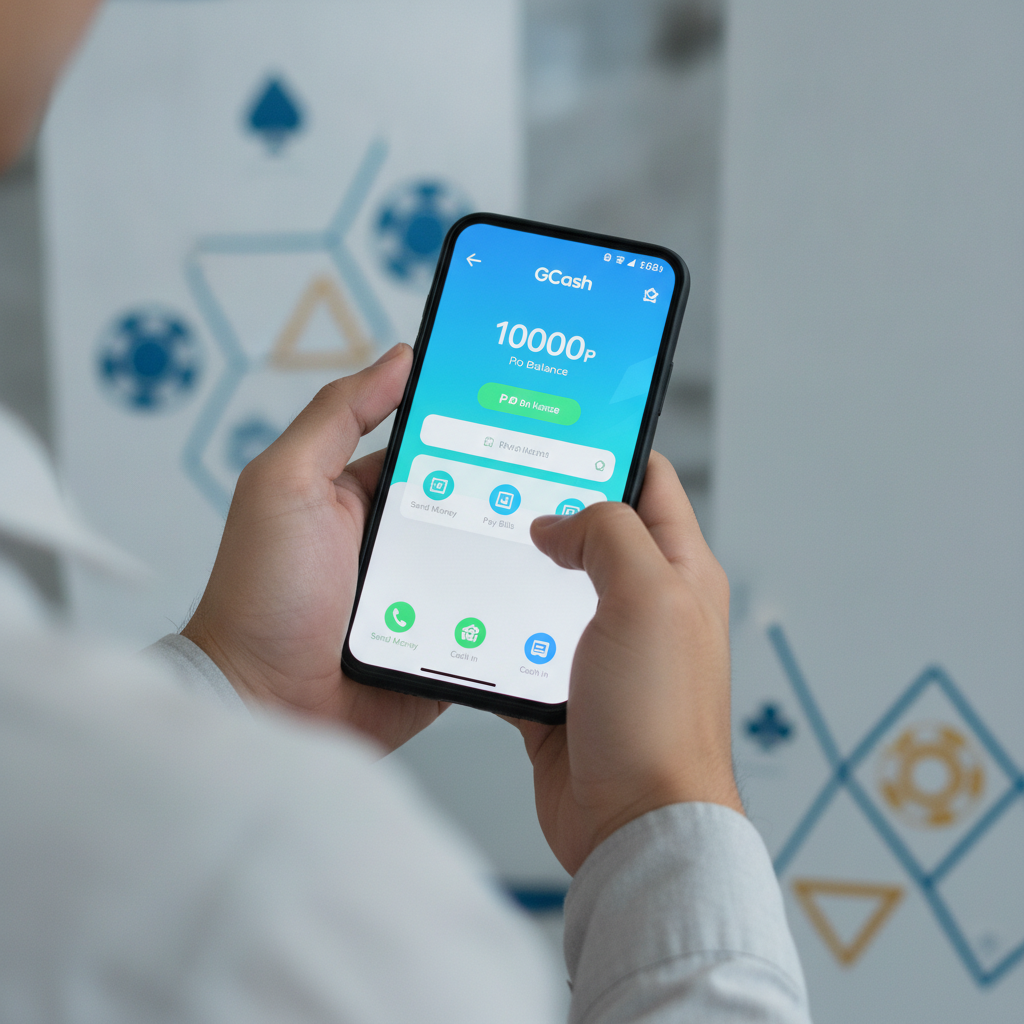
Vegas Queens GCash Deposit and Withdrawal: Step-by-Step Guide
GCash is one of the most popular ways to move PHP to and from Vegas Queens. This guide walks you through deposit and withdrawal steps, transaction limits, processing times, and fixes for common errors.
This page is for players 21 and over only. Always set deposit limits and take breaks if you find yourself chasing losses.
How to Deposit PHP via GCash to Vegas Queens
Vegas Queens processes GCash deposits instantly in most cases. Here's how to fund your account:
Step 1: Log in to your Vegas Queens account
Open the Vegas Queens site or app on your Android device. Tap the login button and enter your registered mobile number or username and password.
Step 2: Navigate to Deposit / Cashier
Once logged in, tap the Deposit or Cashier button—usually found in the top-right corner or main menu.
Step 3: Select GCash as your payment method
The cashier page will display available payment options. Tap GCash. Make sure your GCash account is verified and has sufficient balance.
Step 4: Enter your deposit amount
Type the amount you want to deposit in PHP. Minimum deposit is typically PHP 100. Maximum per transaction varies—often PHP 10,000 to PHP 50,000 depending on your account status.
Step 5: Confirm and proceed
Review the amount and tap Confirm or Proceed. You'll be redirected to the GCash payment gateway or asked to authorize the transaction in your GCash app.
Step 6: Authorize in the GCash app
If you're using the GCash mobile app, you may receive a push notification or be redirected automatically. Enter your MPIN to approve the payment. If using GCash web, enter your credentials and confirm.
Step 7: Return to Vegas Queens
After authorization, you'll be redirected back to Vegas Queens. Your PHP balance should update within seconds. If it doesn't appear immediately, wait 2–3 minutes and refresh your wallet or log out and back in.
Screenshot tips:
Take screenshots at each step—especially the GCash confirmation screen—if you need to report a delay to Vegas Queens support.
How to Request a GCash Withdrawal from Vegas Queens Wallet
Withdrawing winnings to GCash follows a similar flow, but processing times are longer than deposits. Here's the process:
Step 1: Log in and open the Cashier / Withdrawal page
Tap the Withdraw or Cashier button in your Vegas Queens account. Select the Withdrawal tab.
Step 2: Choose GCash as your withdrawal method
Tap GCash from the list of available e-wallets.
Step 3: Enter the GCash mobile number registered to your account
You'll be asked to provide your 11-digit GCash mobile number (format: 09XXXXXXXXX). Make sure this matches the number you registered with Vegas Queens. Some operators require you to use the same GCash account you deposited from for security reasons.
Step 4: Enter withdrawal amount
Type the amount in PHP you wish to withdraw. Minimum is usually PHP 100 or PHP 200. Maximum per transaction can range from PHP 10,000 to PHP 50,000; check the Cashier page for current limits.
Step 5: Submit your request
Review the details and tap Submit or Confirm Withdrawal. You may need to enter a verification code sent to your registered mobile number or email.
Step 6: Wait for processing
Vegas Queens withdrawal time for GCash varies:
- Instant to 15 minutes for accounts in good standing with completed verification.
- 1–4 hours during peak times or if additional checks are needed.
- Up to 24 hours for first-time withdrawals or large amounts.
You'll receive an SMS or email notification once the funds are released. The PHP amount will appear in your GCash wallet and you can check your GCash transaction history.
Important: You must complete account verification (upload valid ID) before your first Vegas Queens GCash withdrawal is approved. Incomplete KYC will delay or block your cashout.
Daily and Per-Transaction Limits for GCash Cashouts
Vegas Queens sets limits to manage risk and comply with e-wallet provider policies. Typical limits include:
Per-Transaction Limits
- Minimum withdrawal: PHP 100–200
- Maximum withdrawal per transaction: PHP 10,000–50,000 (varies by account tier)
Daily Limits
- Standard accounts: PHP 20,000–50,000 per day
- VIP or verified accounts: Higher limits, sometimes up to PHP 100,000 per day
Weekly / Monthly Limits
Some players report weekly caps around PHP 200,000, though this depends on your VIP level and account history.
If you need to withdraw more than the per-transaction limit, submit multiple requests. Processing may take longer if you hit daily caps or trigger manual review.
GCash itself also has limits:
- Fully verified GCash accounts can receive up to PHP 100,000 per month for cash-ins from third parties.
- If you exceed GCash's monthly limit, your transaction may fail even if Vegas Queens approved it. Upgrade your GCash verification or use a bank transfer instead.
Common GCash Error Messages and How to Fix Them
"Transaction declined" or "Payment failed"
Possible causes:
- Insufficient GCash balance (for deposits)
- GCash wallet not fully verified
- Network or server timeout
How to fix:
- Check your GCash balance and top up if needed.
- Ensure your GCash account is fully verified (upload valid ID in the GCash app under Profile > Verify).
- Retry after a few minutes. Clear your browser cache or restart the Vegas Queens app.
- Try a smaller amount—large transactions sometimes trigger anti-fraud checks.
"Invalid mobile number" or "Recipient not found" (withdrawals)
Possible causes:
- Typo in the 11-digit GCash number
- GCash number differs from the one you used to deposit
- GCash account not registered or inactive
How to fix:
- Double-check the mobile number format: 09XXXXXXXXX (no spaces, no +63).
- Use the same GCash number you deposited from. If you must change it, contact Vegas Queens support first to update your e-wallet details.
- Confirm the GCash account is active by logging into the GCash app.
"Withdrawal pending" for more than 24 hours
Possible causes:
- First-time withdrawal requiring manual KYC review
- Large amount flagged for verification
- Incomplete account verification documents
How to fix:
- Check your email and SMS for requests from Vegas Queens to upload ID or proof of address.
- Log in to Vegas Queens, go to Account > Verification, and ensure your government-issued ID and selfie are uploaded and approved.
- Contact Vegas Queens customer support via live chat or email. Provide your withdrawal reference number and ask for an update.
"Exceeded daily limit"
Possible causes:
- You've hit Vegas Queens' or GCash's daily or monthly limit
How to fix:
- Wait until the next day (limits reset at midnight PH time for most operators).
- Split large withdrawals across multiple days.
- Consider using Maya or bank transfer via InstaPay if you need to move more money quickly.
GCash app says "Service temporarily unavailable"
Possible causes:
- GCash maintenance or server downtime
- Outdated GCash app version
How to fix:
- Check GCash's official Facebook page or website for service alerts.
- Update your GCash app to the latest version from Google Play.
- Wait 30–60 minutes and try again. If the issue persists, use Maya or bank transfer as an alternative.
21+ Reminder and Responsible Gambling Note
Vegas Queens is for players aged 21 and over only. Online betting should be entertainment, not a way to make money or solve financial problems.
Play responsibly:
- Set a deposit limit in your Vegas Queens account settings and stick to it.
- Use GCash's spending tracker to monitor how much you're depositing.
- Take a break if you're chasing losses or betting more than you planned.
- Contact support to self-exclude if gambling is affecting your life.
If you or someone you know needs help, reach out to a responsible gambling organization in the Philippines.
Summary
GCash is fast and convenient for both Vegas Queens deposits and withdrawals. Deposits are usually instant; withdrawals take anywhere from 15 minutes to 24 hours depending on verification status and amount. Always double-check your GCash mobile number, keep your account fully verified, and monitor transaction limits to avoid delays.
For issues with pending cashouts or declined transactions, contact Vegas Queens support with your transaction reference number and screenshots. If GCash limits become an issue, consider using Maya or InstaPay bank transfers as alternatives.
Remember: You must be 21 or older to play. Set limits and gamble responsibly.